
Why does a business need more than antivirus?
Antivirus remains an important layer for detecting and blocking malware. However, stolen credentials, permission changes or unauthorized cloud access may not involve a malicious file. A SIEM brings together logs from multiple sources to investigate these signals. It does not replace antivirus, backups or the people responsible for responding.
Explore our cybersecurity service and SIEM evaluation with Wazuh →
Antivirus, EDR and SIEM work together

Antivirus can block or quarantine malicious files. EDR adds endpoint investigation and response capabilities, depending on the product and license. A SIEM centralizes security information and events from different systems for searches, rules and investigation.
If antivirus blocks a file on SALES-PC-07, an analyst can check related account activity, administrative changes and network records in the SIEM. This requires the relevant sources to be connected and correctly interpreted. Installing Wazuh does not automatically integrate every security product.
Not every SIEM is AI-based. Wazuh uses decoders and rules to analyze events. Adding AI is a separate choice requiring privacy controls and validation; it does not turn a suspicion into proof.
How Wazuh processes events
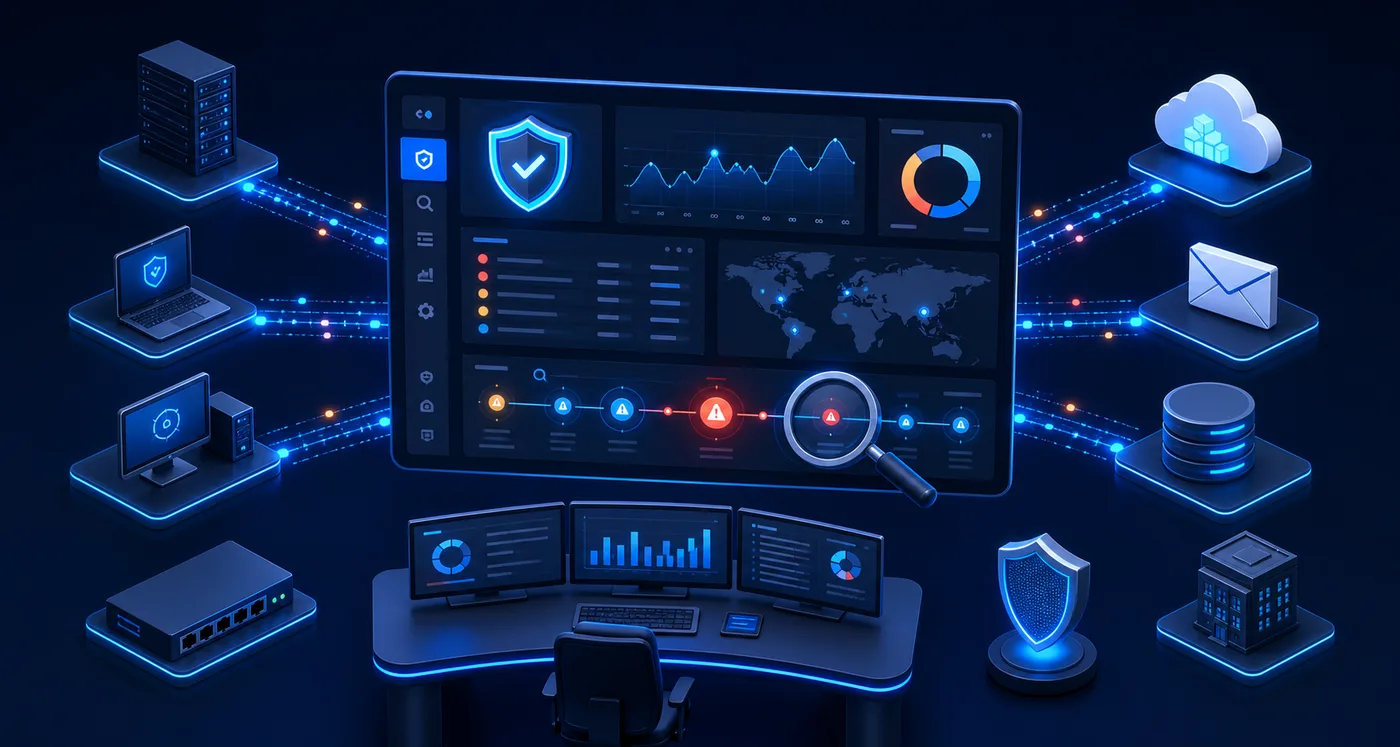
1. Collection: agents, files, syslog and supported integrations supply enabled audit data. A SIEM cannot analyze records that are not generated or sent.
2. Interpretation: decoders extract users, addresses, devices, actions and timestamps. Synchronized clocks and consistent identities make comparisons meaningful.
3. Analysis: configured rules identify conditions and repetitions. Cross-source correlation needs compatible fields and deliberately configured rules or searches; it is not automatic simply because two devices send logs.
4. Investigation: an analyst reviews the timeline, checks authorized activity and follows the agreed response procedure. Automated blocking must be tested to avoid disrupting legitimate work.
The Wazuh server receives and analyzes events, the indexer stores and indexes forwarded data, and the dashboard supports investigation. Keeping indexed alerts is not the same as retaining every raw log.
Devices and services that can supply evidence
- Computers and servers running Windows, Linux and macOS: use a compatible agent for enabled logs and telemetry. Check supported versions and audit policy.
- Firewalls, routers, switches, VPNs and Wi-Fi controllers: commonly export syslog or supported records. Check formats and decoders; an agent cannot be installed on every appliance.
- Antivirus and EDR: records can come from local logs, management consoles or APIs, depending on product, license and integration. Wazuh documents Windows Defender event collection; this does not imply automatic compatibility with every antivirus.
- Email, identity and cloud: services may expose audit APIs or compatible connectors. They require appropriate licenses, least-privilege access, protected credentials and monitoring of quotas and delays.
- NAS devices, backup systems, hypervisors, applications and databases: can participate where usable logs exist. Printers and IoT devices may offer limited visibility. Receiving logs does not mean controlling or automatically protecting a device.
Requirements for a Wazuh evaluation
- Server: 64-bit Linux compatible with the selected version.
- Initial capacity: for 1–25 agents, 4 vCPU, 8 GiB RAM and 50 GB; a reference for 90 days of alerts, adjusted to actual volume.
- Connectivity: private access, certificates and synchronized clocks.
- Logs: compatible sources and least-privilege collection permissions.
- Operations: an alert owner and defined response and retention policies.
- Continuity: tested backups, maintenance and an operating budget.
Risks to review
- Relying solely on antivirus.
- Receiving incomplete or incorrectly interpreted logs.
- Leaving alerts unattended.
- Enabling automatic blocking without testing.
Safe recommendations
- Maintain antivirus, MFA, patches and backups.
- Start with a pilot of critical sources.
- Test detections using safe, authorized events.
- Verify that alerts reach the responsible person.
- Tune false positives and monitor sources.
Illustrative event sequence: an account under review
09:10 — Failed sign-ins
- Fictional account sales.demo has repeated failures from documentation address 192.0.2.24. Preserve account, source, device and timestamp.
09:13 — Successful sign-in
- The account signs in from that source. Check whether this is an approved VPN or legitimate user; success alone is not proof of compromise.
09:16 — Permission change
- Audit data shows a related administrative change. Compare identity and timing using configured rules or searches.
09:18 — Validation and response
- Check authorized changes, then follow containment, evidence preservation and recovery procedures if needed. This example is not a default Wazuh correlation rule.
When to seek specialized help
- You cannot identify monitored devices, accounts or alert owners.
- You need to integrate endpoint, firewall and cloud records or size retention.
- Unrecognized access is already occurring: activate incident response rather than waiting for a SIEM deployment.
Reference sources
These public sources provide general good-practice guidance. They do not replace an assessment of your environment.