
AI AND SLMs FOR BUSINESS
How to use enterprise AI without exposing sensitive information
Make use of internal documents and services with locally connected AI. Define what it can access, who has permission and which actions are allowed.
Editorial review: September 11, 2026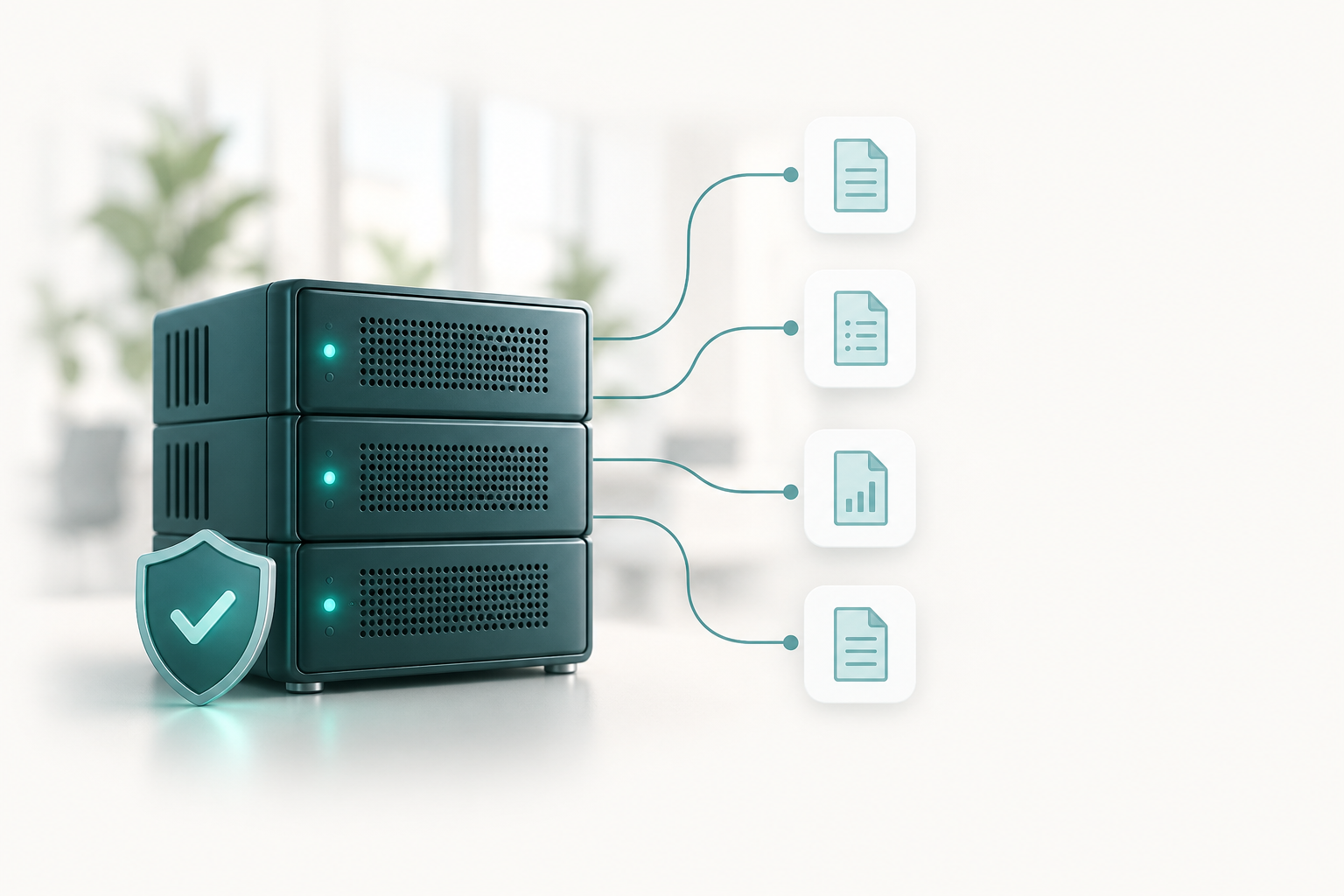 ManualsPoliciesDocumentsInternal services
What is an SLM?
An SLM is a small language model that processes and generates text with lower resource requirements than larger models. Depending on the model, available hardware and task, it can run on local infrastructure and connect to authorized sources.
Its value is not knowing everything: it is helping with well-defined tasks such as consulting documentation, summarizing information and assisting internal processes.
How can a business use it?
Consult procedures
Staff can ask how to complete a task and receive an answer based on internal manuals, with references to verify it. For example: “What is the approved procedure for requesting a new computer?”
Find information
Locate instructions, policies and documents within authorized sources. Each user should only access information they are entitled to see.
Support your team
Prepare drafts, summarize reports and explain procedures. A person should review answers before making decisions or sharing them externally.
Query internal services
Where integration is feasible, query statuses or records through limited connections. Enabling changes requires additional controls: reading is not authorization to modify.
Not every process needs AI, and not every application can be connected in the same way. Start with a specific business need.
Best practices to protect your information
Connect only the information you need
Choose relevant, current sources with an owner responsible for updates. Start with technical manuals and procedures; exclude unnecessary payroll, banking information and sensitive records.
Respect each user’s permissions
AI must not become an alternative route to restricted documents. Enforce permissions when retrieving information, rather than relying only on model instructions. If someone cannot access a document, the assistant must not disclose it either.
Keep credentials out of the model
Do not include passwords or keys in conversations or searchable documents. Authenticate connections through controlled mechanisms with the minimum permissions required.
Check what stays local and what leaves
Review file processing, search and conversation storage components too. A local interface may have external connections: verify the data flow before claiming that information stays local.
Separate queries from actions
Start with read-only access where sufficient. If you enable changes, limit their scope and require approval for sensitive operations. Sending information, modifying records or deleting files must not depend on the assistant’s interpretation.
Verify answers and sources
An SLM can make mistakes. Check the sources behind answers and define what happens when information is missing. Retrieved documents are content: embedded instructions must not change permissions or authorize actions.
Protect conversations, logs and backups
Sensitive information can also appear in histories. Define who can access it, how long it is retained and how it is deleted. Review these controls whenever users, sources or connections change.
How can Soportered help?
We assess and implement SLMs with locally connected services, with a scope suited to your business operations.
Assess your needs
Identify what your team needs to solve, which information it would use and whether an SLM is suitable.
Define the environment
Review infrastructure and the feasibility of connecting documents and services locally. Define what is in scope and what must be excluded.
Configure controls
Organize access by user or role, limit connections and define what the assistant may query and what needs approval.
Test an initial scope
Check user separation, answer quality and action limits before expanding access.
Support your team
Help establish usage guidelines, keep sources current and review controls as business needs evolve.
Want to implement an SLM in your business?
Tell us what your team needs to solve and which systems you use. We can help define an environment with locally connected services and controls over your information.
Request an enterprise AI assessment →Do not send confidential documents or credentials in your initial inquiry.